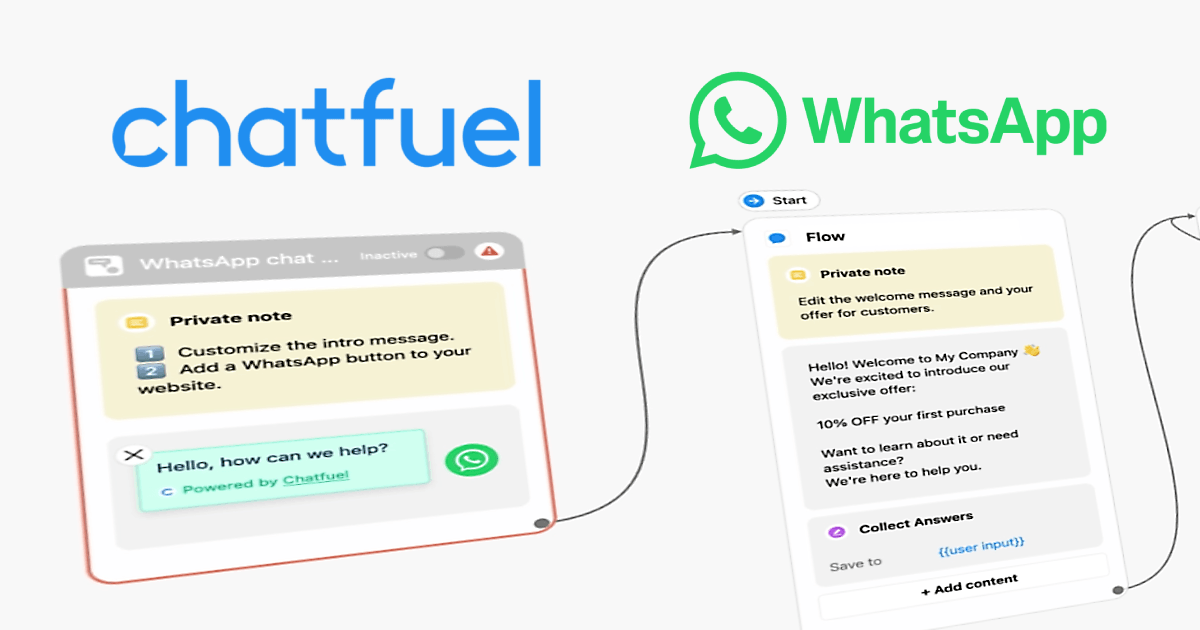
Chatfuel is a long-running no-code chatbot platform and an official Meta partner, with built-in AI that answers questions in natural language across WhatsApp, Instagram and Messenger. This guide is a practical companion to our Chatfuel overview, focused on getting an AI assistant live without it going off the rails.
Before you start
Chatfuel’s WhatsApp channel runs on the official WhatsApp Business API, so you’ll connect an approved number. If WhatsApp isn’t available to your organisation, you can build the same flows on Instagram or Messenger, which have lower barriers to entry.
Step 1: Connect a channel
Sign up and connect a channel, Instagram or Messenger are quickest to start; WhatsApp needs an approved Business API number. Chatfuel walks you through linking the account.
Step 2: Add and brief the AI
Start from a template or a blank flow and add an AI step. The single most important thing you do here is the brief: tell the AI what it should help with, what it must not answer, and the tone to use. Give it your real facts (opening hours, policies, product details) so it isn’t guessing.
Step 3: Add guardrails and hand-off
- Add fallback buttons for the common paths, so users aren’t forced to type.
- Set a hand-off to a human for anything sensitive or out of scope.
- Decide what happens when the AI is unsure, a safe default reply beats a confident wrong answer.
Step 4: Test, then publish
Test on your own phone with real questions, including awkward ones, then publish. Keep reviewing transcripts for a while, automated replies can get things wrong, and the fastest quality gains come from reading what real users actually ask.
Autoresponder and outreach realities
Chatfuel is excellent as an AI autoresponder for inbound questions. For outbound campaigns on WhatsApp, remember you’re on the official API: that means opt-in audiences and approved templates, the compliant model, not unsolicited blasts. If the official API isn’t open to you, see the alternatives in our automation guide and the honest unofficial API overview.
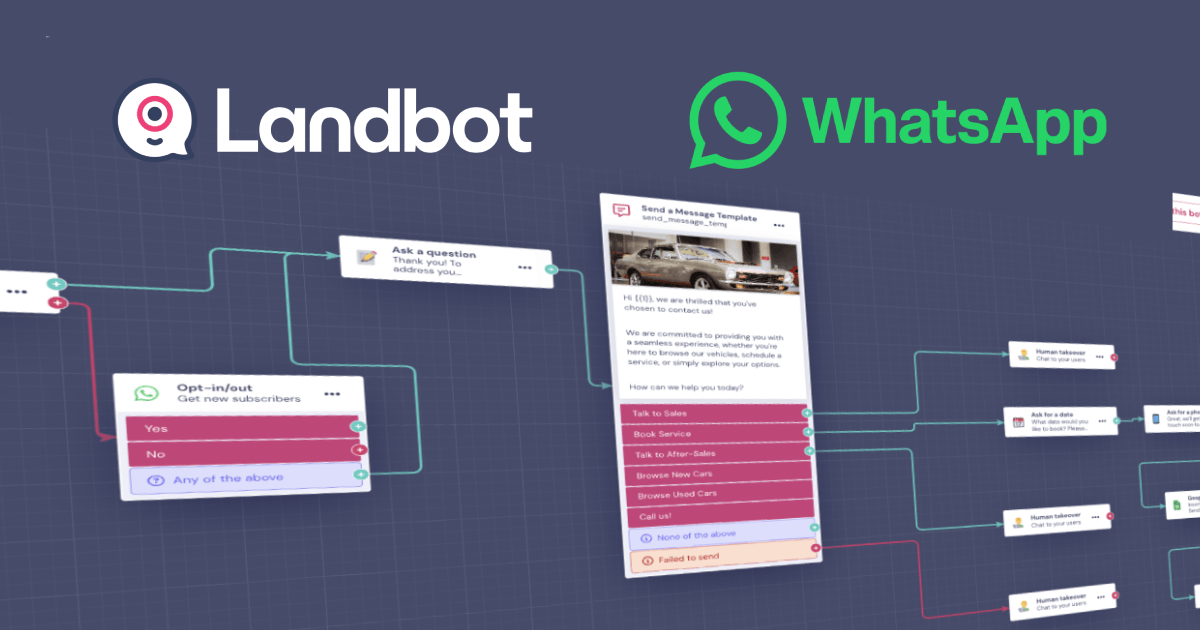
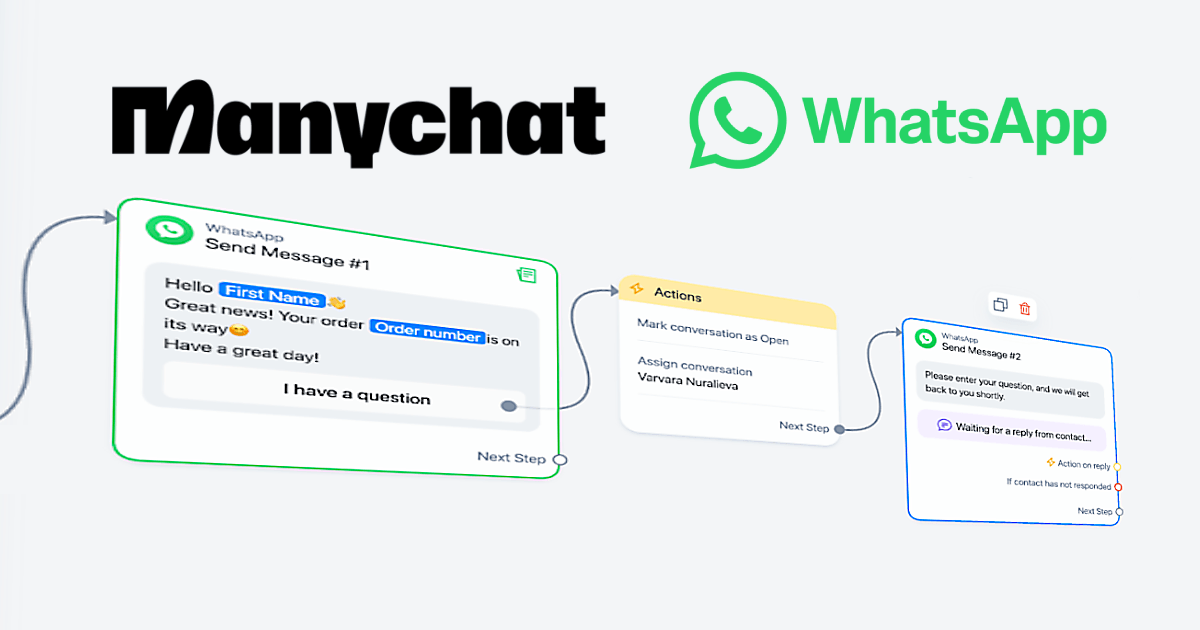
Comparing tools? See our guides to Landbot (visual, web-friendly) and ManyChat (multi-channel autoresponders).
Frequently asked questions
Does Chatfuel need the official WhatsApp API?
Yes, its WhatsApp channel uses the official Business API and an approved number. You can also run the same AI flows on Instagram and Messenger, which have fewer entry requirements.
How do I stop the AI giving wrong answers?
Give it a tight brief with your real facts, restrict what it may answer, add fallback buttons and a human hand-off, and review transcripts regularly. Clear limits plus a safe default reply prevent most bad answers.
Can it do sales and support?
Yes. Chatfuel suits both, recommending products and answering questions, then passing tricky cases to a person.