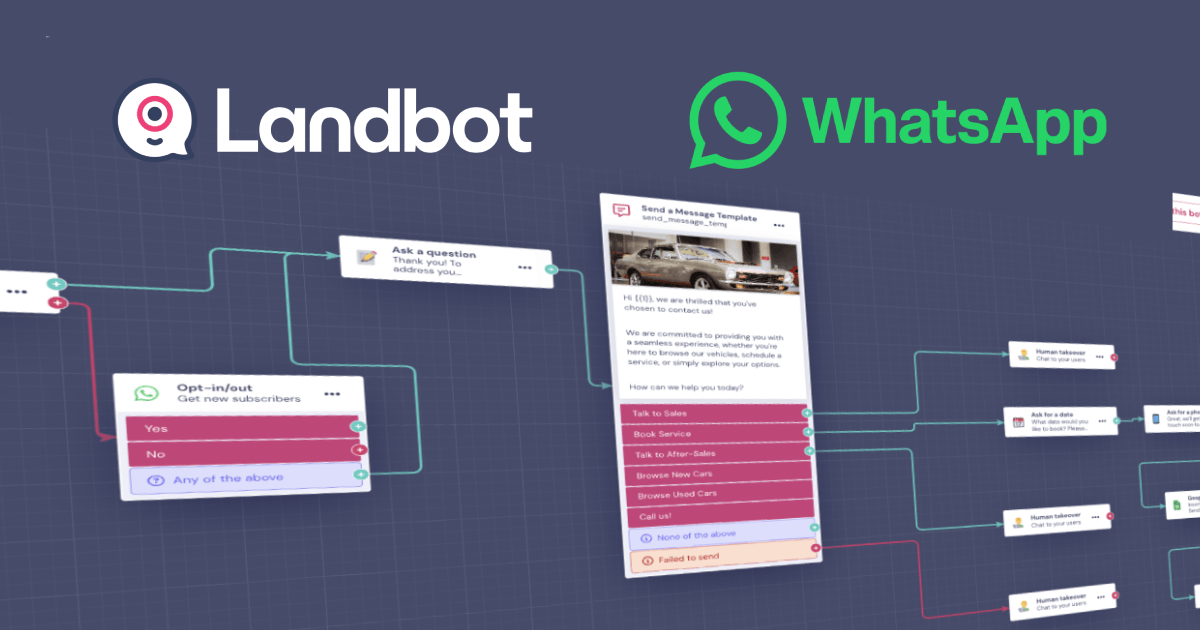
Landbot is a no-code builder for conversational chatbots and forms, with a visual editor that makes branching logic genuinely approachable. It runs on your website without any API, and on WhatsApp through the official Business API. This guide goes a level deeper than our Landbot overview into how you actually design a working bot.
Web channel vs WhatsApp channel
This distinction matters before you build. Landbot’s web chatbot needs no WhatsApp API, you embed it on your site and it just works, which makes it a practical choice for anyone who can’t access the official API (see our eligibility guide). The WhatsApp channel uses the official Business API, so it needs an approved number and pre-approved templates to start conversations.
The building blocks
- Message blocks, text, images, buttons and quick replies that guide the conversation.
- Question blocks, capture a name, email, phone number or choice, and store it in a variable.
- Logic (conditions), branch the flow based on answers, so different users get different paths.
- Integrations, send captured data to Google Sheets, a CRM, Calendly or, for advanced cases, a webhook.
- Human hand-off, pass the conversation to a live agent when the bot reaches its limits.
Step by step: a lead-qualification bot
- Create a bot and choose the web channel to start (no API), or WhatsApp if you have an approved number.
- Open the visual editor and drag in a welcome message that sets expectations.
- Add question blocks to capture the essentials (name, email, and what the person needs) saving each answer to a variable.
- Add a condition so, for example, high-intent answers route to a booking link and others to an FAQ.
- Connect an integration to push the lead into your Google Sheet or CRM.
- Add a hand-off to a human for anything the bot can’t resolve, then test and publish.
Autoresponders and mass messaging: what’s realistic
On the web channel, Landbot effectively acts as an always-on autoresponder for visitors. For outbound WhatsApp campaigns to a list, you are in official-API territory, that means opt-in contacts and approved templates, the same compliant model a provider like Wati uses. Landbot is not a tool for blasting a personal number; if that’s what you were hoping for, read our honest take in the unofficial API guide.
Tips for a bot people actually finish
- Keep each step short; ask one thing at a time.
- Use buttons and quick replies instead of open text where you can, fewer typos, cleaner data.
- Always offer an escape hatch to a human.
- Test the whole flow on your own phone before publishing.
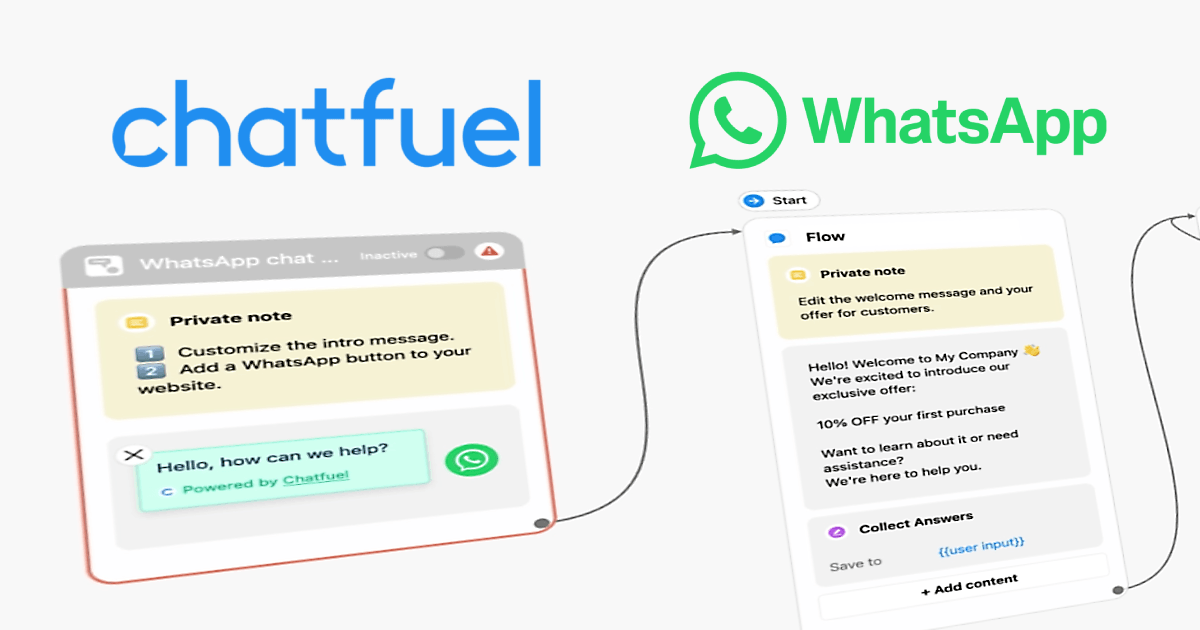
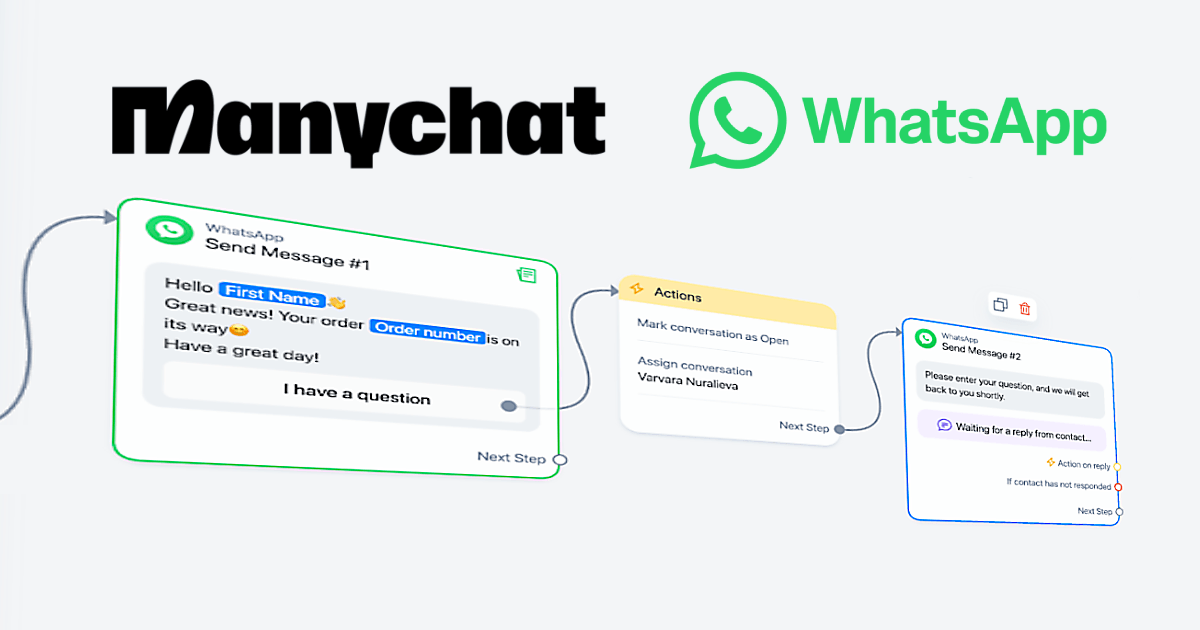
Want to compare Landbot with AI-first and multi-channel builders? See our guides to Chatfuel and ManyChat.
Frequently asked questions
Do I need the WhatsApp API to use Landbot?
Only for the WhatsApp channel. Landbot’s website chatbot works without any API, which makes it a good option if you can’t access the official WhatsApp Business API.
Can Landbot send bulk WhatsApp messages?
Outbound WhatsApp messaging uses the official Business API, which requires opt-in contacts and pre-approved templates. It is not a tool for unsolicited mass messaging from a personal number.
Is there a free tier?
Landbot offers a starter tier to experiment with; paid plans add the WhatsApp channel, more seats and integrations. Check their current plans for exact limits.