Free WhatsApp Share Widget Generator
Paste any URL and we'll build a ready-to-embed share widget with a rich link preview. Copy the HTML for your website or an email-safe version for your newsletters.
Preview
 Share on WhatsApp
Why a share widget beats a plain link
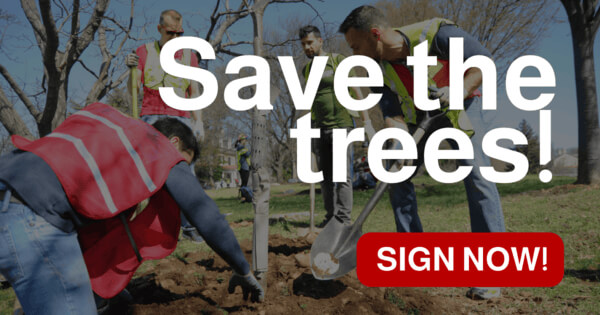
A bare link is easy to scroll past. A share widget wraps it in a proper preview (a thumbnail, a title and a clear “Share on WhatsApp” button) so it looks like something worth tapping. When someone clicks it, WhatsApp opens with your message and link ready to send, and they can fire it off to a friend or a group in a couple of taps.
We pull the title, description and image straight from the page you point it at (Open Graph, Twitter Cards and standard HTML tags), and you can override any of it by hand. You get two versions: one for websites, built with modern HTML and CSS, and one for email, built with tables and inline styles so it survives Gmail, Outlook and the rest.
Tips for a widget that gets shared
The widget does the heavy lifting, but a few choices on your end decide whether people actually pass it on.
Pick a thumbnail that reads small
The preview image shows up tiny in a chat. A clear subject, bold colours and little or no fine text work best. Busy screenshots and thin logos turn to mush. Set a proper Open Graph image on the page if you can.
Write the message for the forwarder
The pre-filled text is what your visitor sends to their friends, so write it in their voice, not yours. “Thought you'd want to see this” gets forwarded; a marketing slogan doesn't.
Put it where the decision happens
The best spot is right after the thing worth sharing: the end of an article, under a petition, beside a product. Asking someone to share before they've read it rarely works.
Test the email version where it'll land
Email clients are fussy. Send yourself the email widget and open it in Gmail and Outlook before a campaign goes out, so you know the preview and button render the way you expect.
Turn on tracking to learn what works
Enable analytics tracking and the shared link picks up UTM tags, so you can see which page or placement actually drives WhatsApp shares, and double down on it.
Send people somewhere useful after
Use the optional redirect to land sharers on a thank-you page, a related post or a sign-up. It keeps the momentum going instead of leaving them on a blank screen.
Frequently Asked Questions
<title>, <meta name="description">). You can override every field manually under “Customize Widget”.utm_source, utm_medium, and source parameters to the shared URL so you can attribute traffic in Google Analytics.og:image on the page itself so it looks right everywhere it’s shared, not only here.