ManyChat lets you build automated conversations on WhatsApp, Instagram and Messenger on a visual canvas, no code. This guide is the hands-on companion to our ManyChat overview, walking through a simple but genuinely useful autoresponder.
What an autoresponder does
An autoresponder replies instantly to an incoming message or trigger (answering a FAQ, sending a link, or starting a sign-up) at any hour, with no one watching the inbox. On WhatsApp, ManyChat uses the official Business API, so you’ll connect an approved number (or start on Instagram/Messenger, which are quicker to enable).
Step 1: Connect a channel
Create a free account and connect a channel. Instagram or Messenger get you going fastest; WhatsApp needs an approved Business API number.
Step 2: Choose a trigger
- A keyword, e.g. someone messages “JOIN” to opt in to updates.
- A click-to-chat link or QR with a pre-filled message, build one with our WhatsApp Link Generator so people arrive with the right keyword already typed.
- An ad or a button that opens the chat.
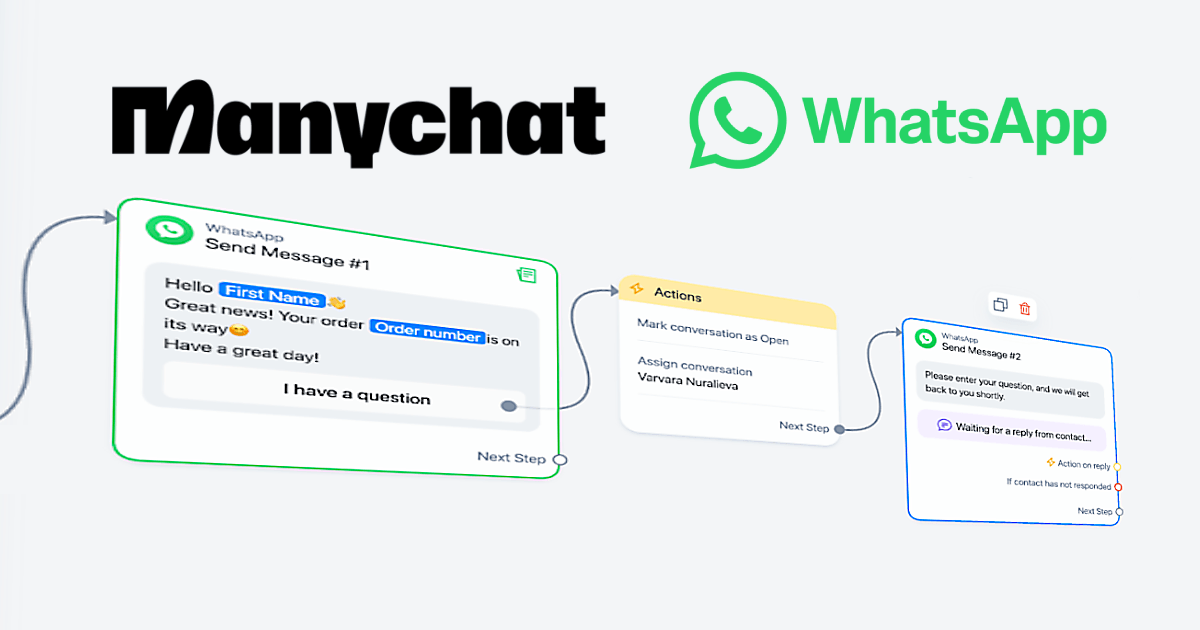
Step 3: Design the flow
- Open the flow builder and add a welcome message.
- Drag in message blocks and questions to map the conversation.
- Add a condition or two so different answers lead to different replies (e.g. “new” vs “existing” customer).
- Capture details (name, email, phone) into your contact list for later follow-up.
- Test on your own phone, then publish and share the link or QR.
Step 4: Go multi-channel (and stay compliant)
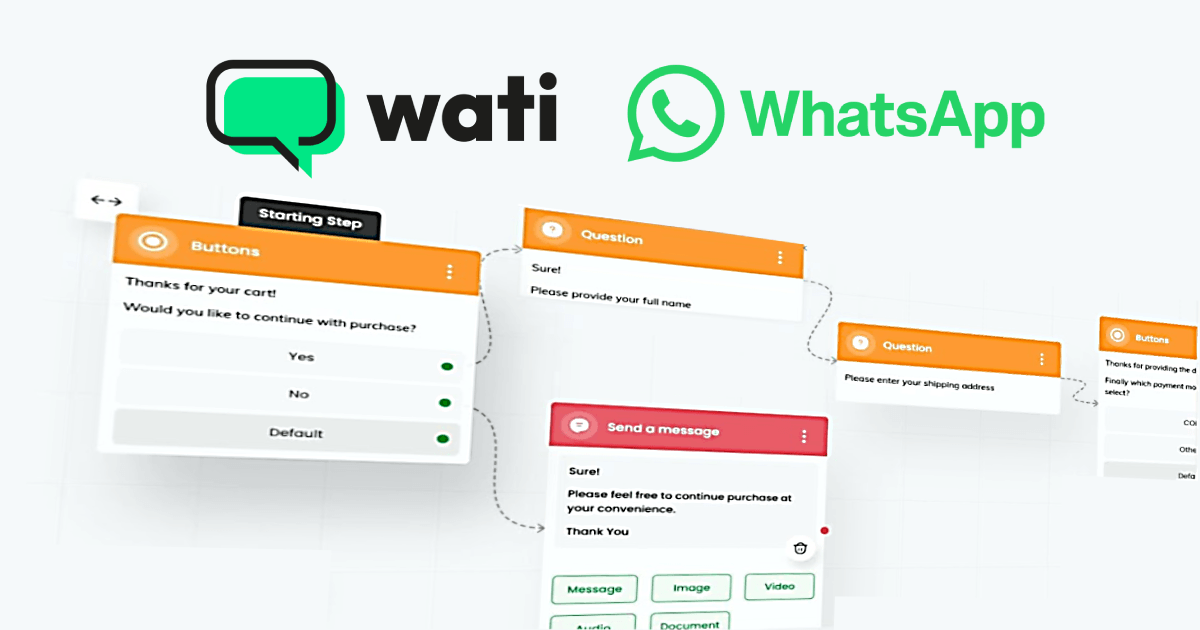
A strength of ManyChat is running the same flow across WhatsApp, Instagram and Messenger. For outbound sends on WhatsApp, you’re on the official API, which means opt-in contacts and approved templates, see our Wati bulk-messaging guide for how that model works. Don’t try to bulk-blast a personal number; that’s what gets accounts blocked.
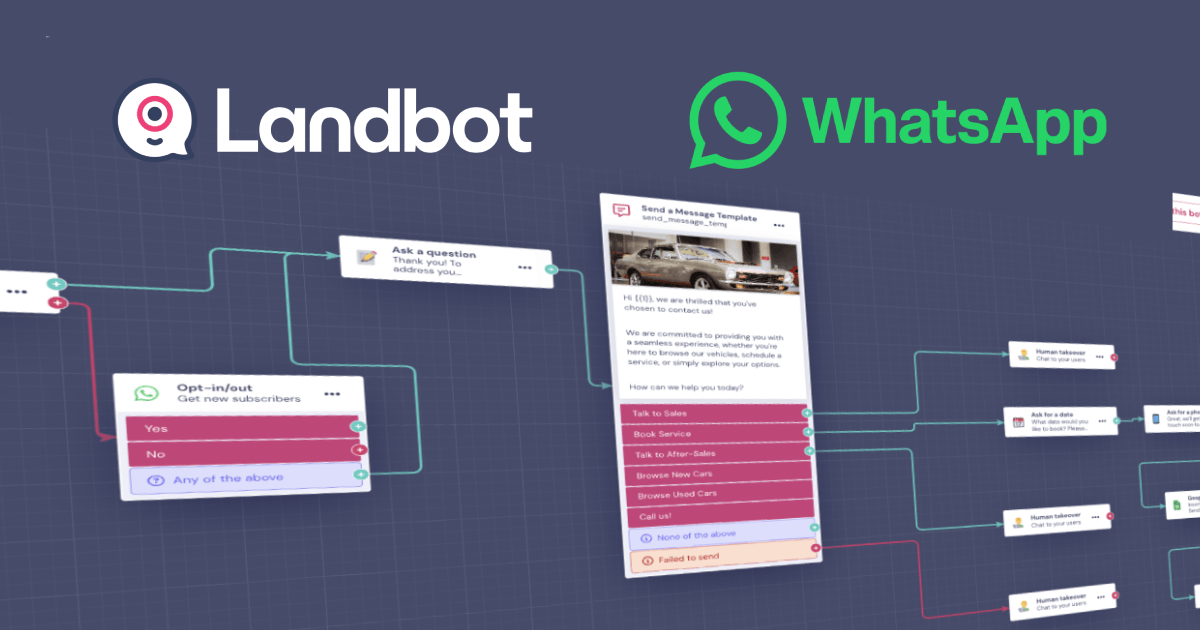
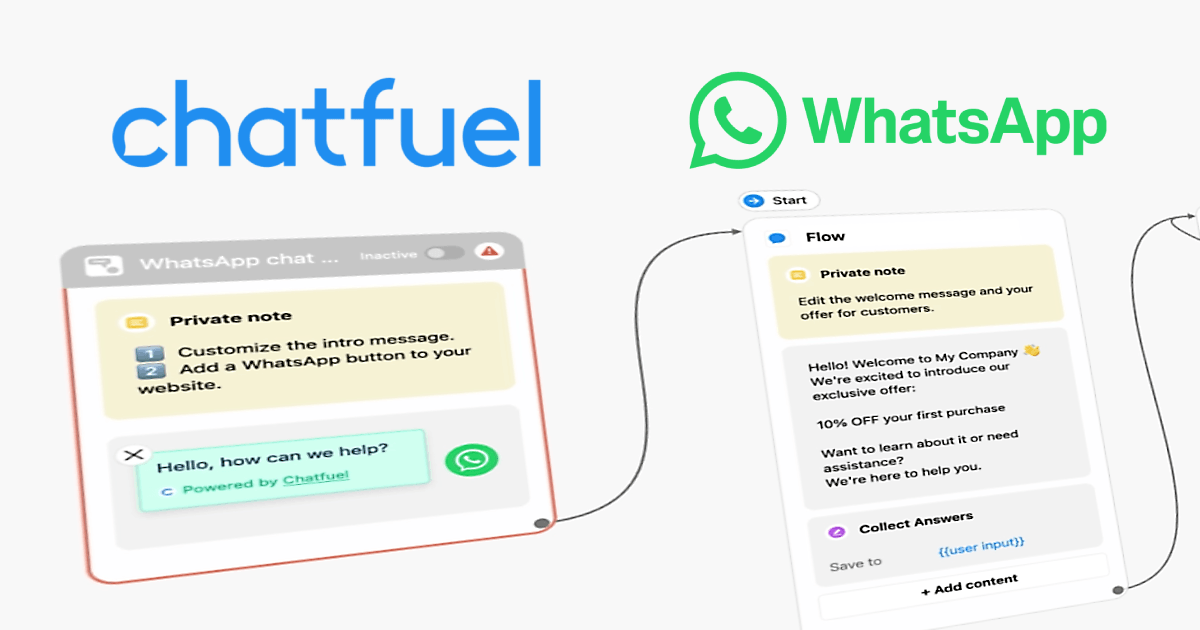
Prefer an AI-first assistant or a visual web bot instead? Compare Chatfuel and Landbot.
Frequently asked questions
Do I need the official API for a ManyChat WhatsApp autoresponder?
Yes, the WhatsApp channel uses the official Business API and an approved number. You can build and run the same flows on Instagram and Messenger without it.
How do people trigger the autoresponder?
Common triggers are a keyword (like “JOIN”), a click-to-chat link or QR code with a pre-filled message, or an ad/button that opens the chat.
Is ManyChat free?
There is a free plan for learning and small lists; paid plans scale with your audience size and the features you use. Check ManyChat’s current pricing for details.