If you run a big volunteer group, you've probably hit the wall at least once. The group fills up at 1,024, someone creates "Volunteers 2", and from then on every announcement goes out twice and half the questions get answered in the wrong chat.
That wall is moving. WABetaInfo reported on 19 November that WhatsApp is rolling out a new group limit of 1,500 members, up from 1,024. It applies to normal groups and to the groups inside a Community, on Android and iOS.
What we know so far
- The new cap is 1,500 members per group. A full group can take 476 more people.
- Existing groups get the higher limit automatically. Admins don't have to change anything.
- A Community's announcement group doesn't change. It already holds up to 2,000 members.
- The rollout is gradual. Some accounts on the latest version have it, more should get it over the coming weeks, and WhatsApp hasn't given a date for everyone.
- If you still can't add anyone past 1,024, your account doesn't have it yet.
WABetaInfo gives no version numbers and doesn't say anything about group calls. Our WhatsApp limits table still shows 1,024, and we'll update it once the new number is available to everyone.
Why organizers should care
The obvious win is fewer overflow groups. A city-wide campaign group, a strike committee's "everyone" chat, a mutual aid network: these tend to grow past a thousand in the weeks before something big, exactly when you least want to split people up. An extra 476 places won't fix every case, but it means "Volunteers 2" can wait, or never happen.
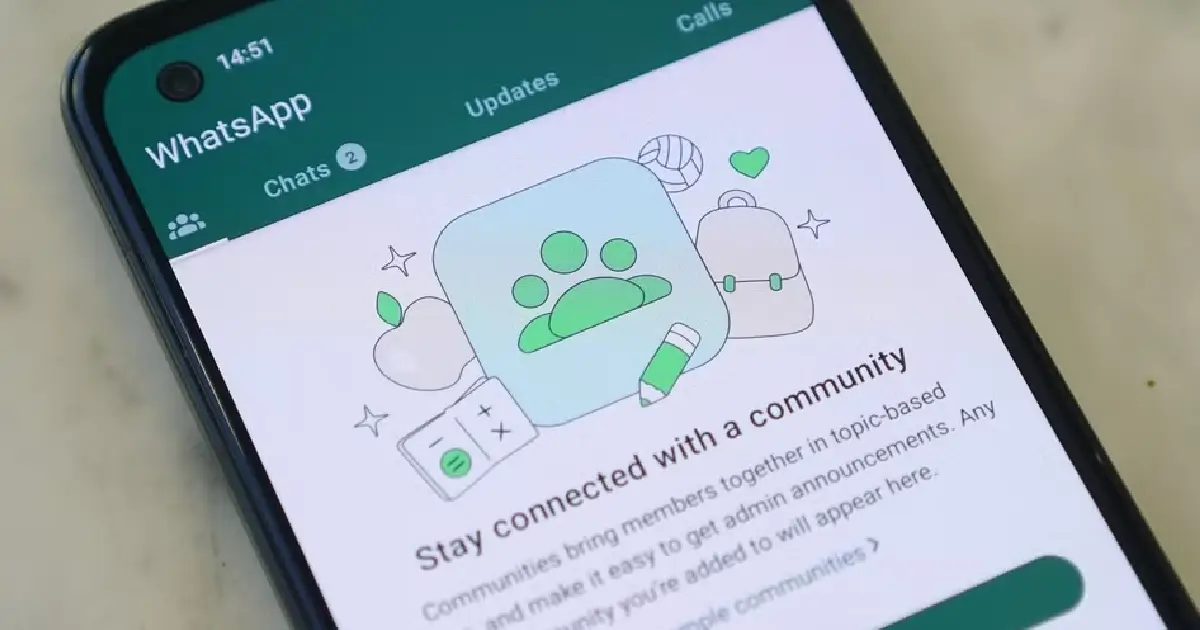
It also changes the maths inside a Community. The announcement group tops out at 2,000, and a single group can now take 1,500 of those people. So a Community with one big discussion group and a few small working groups is now a realistic setup, rather than a pile of near-identical chats. If you're weighing up the options, we compared a Community with no groups against a Channel a few weeks ago.
The catch: more people, more noise
Fifteen hundred people who can all post is a lot of notifications. Before you merge your overflow groups, check three settings.
First, in the group permissions, let only admins send messages in the main group, and move the chat into smaller groups. Second, turn on member approval, so a join link that leaks into the wrong place doesn't fill your last 476 places with strangers.
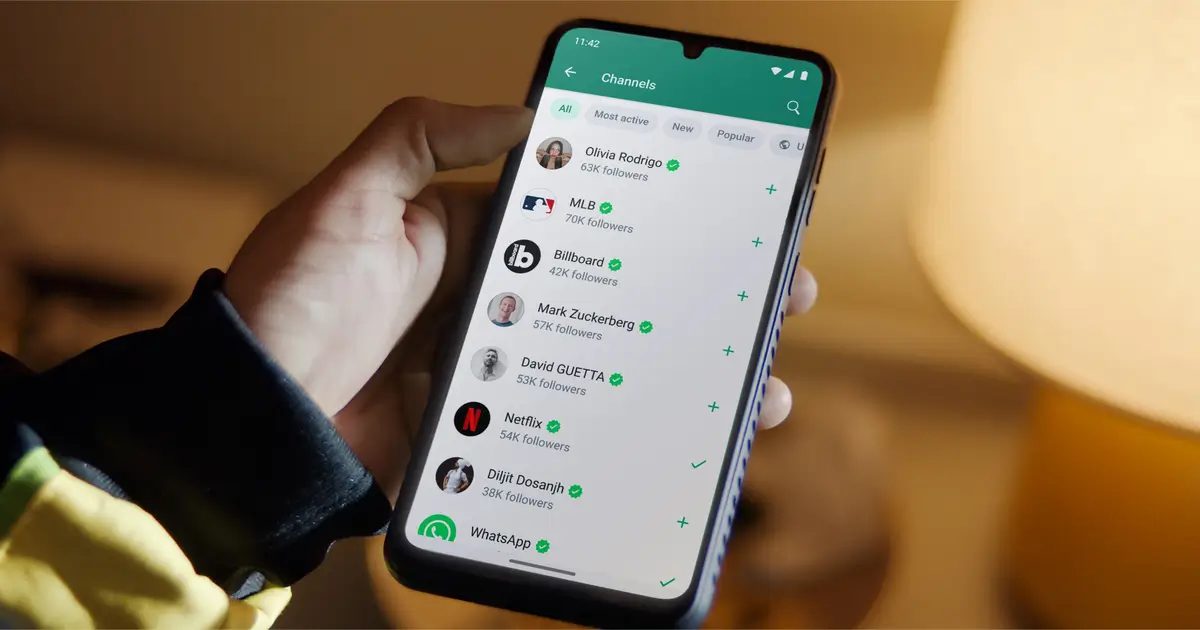
Third, think about phone numbers. In a normal group, members can see each other's numbers, and in a group of 1,500 that's a lot of people you don't know holding your volunteers' numbers. A Community announcement group or a Channel keeps them hidden from other members.
And don't fold your working groups into one giant chat just because you can. The people writing the press release don't need to share a room with the 1,400 people who'll forward it.
What I'd do this week
- Check whether your account already has the new limit: try adding a member to a full group.
- If it does, plan which overflow groups to merge, and switch the main group to admin-only messages before you do.
- If you're on the edge of 1,500 already, look at other ways to reach people: our bulk messaging comparison sets out the seven options side by side.
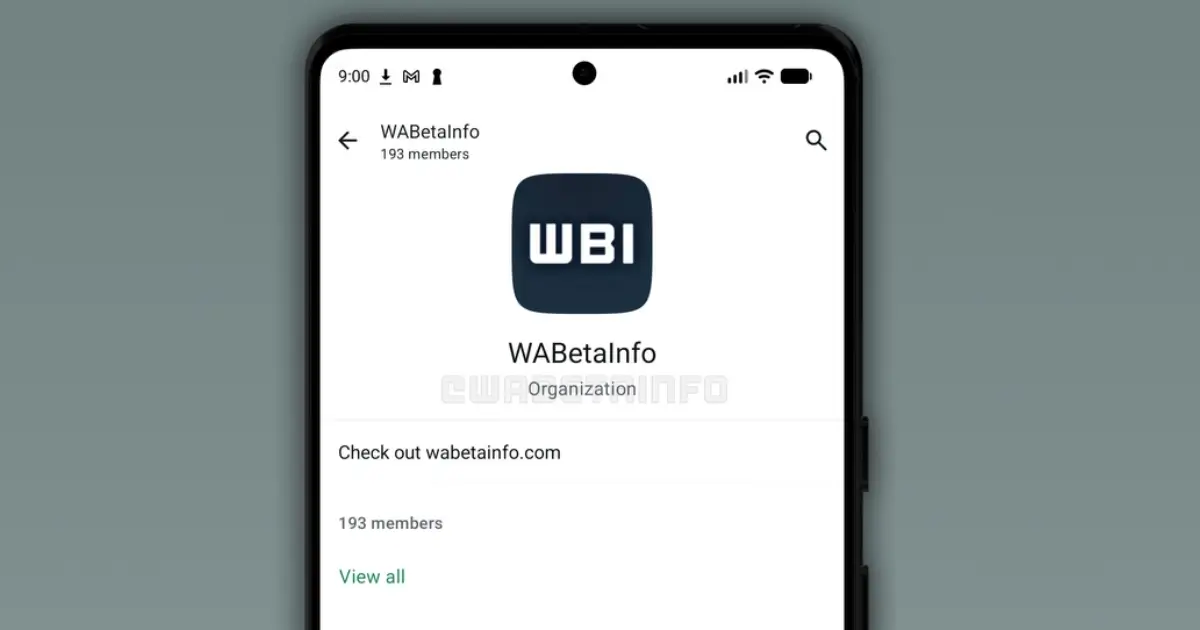
For the bigger picture on structuring groups, Communities and Channels for a campaign, see our six WhatsApp strategies for political campaigns. And if your Community is getting hard to keep track of, WhatsApp is also testing Organizations, a member list for admins of big communities.