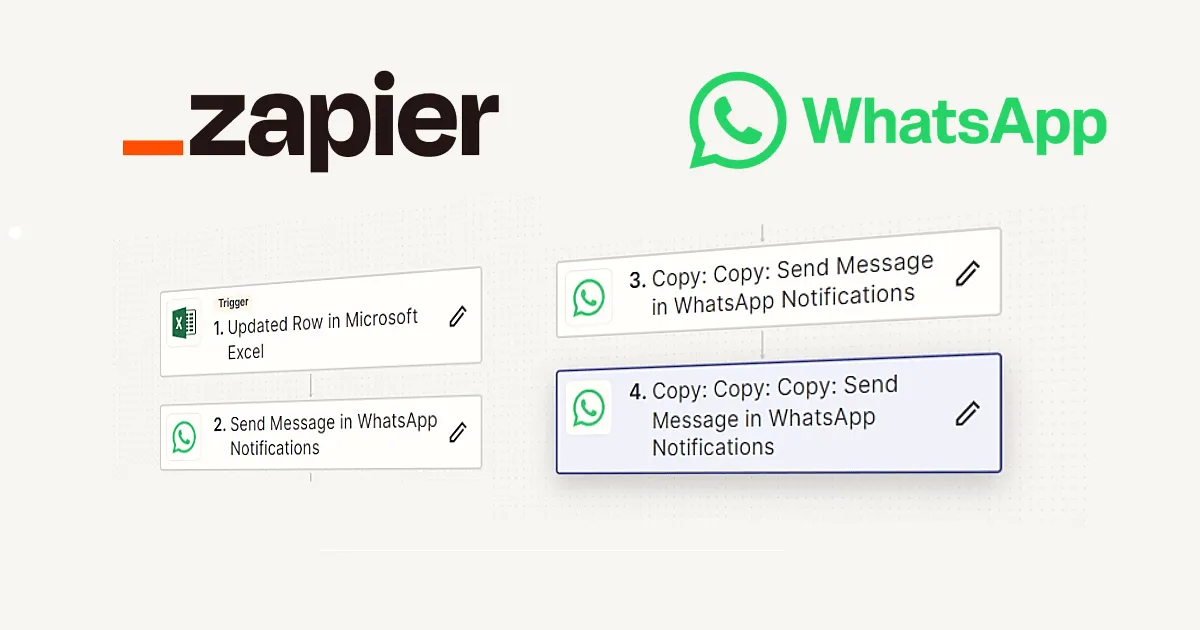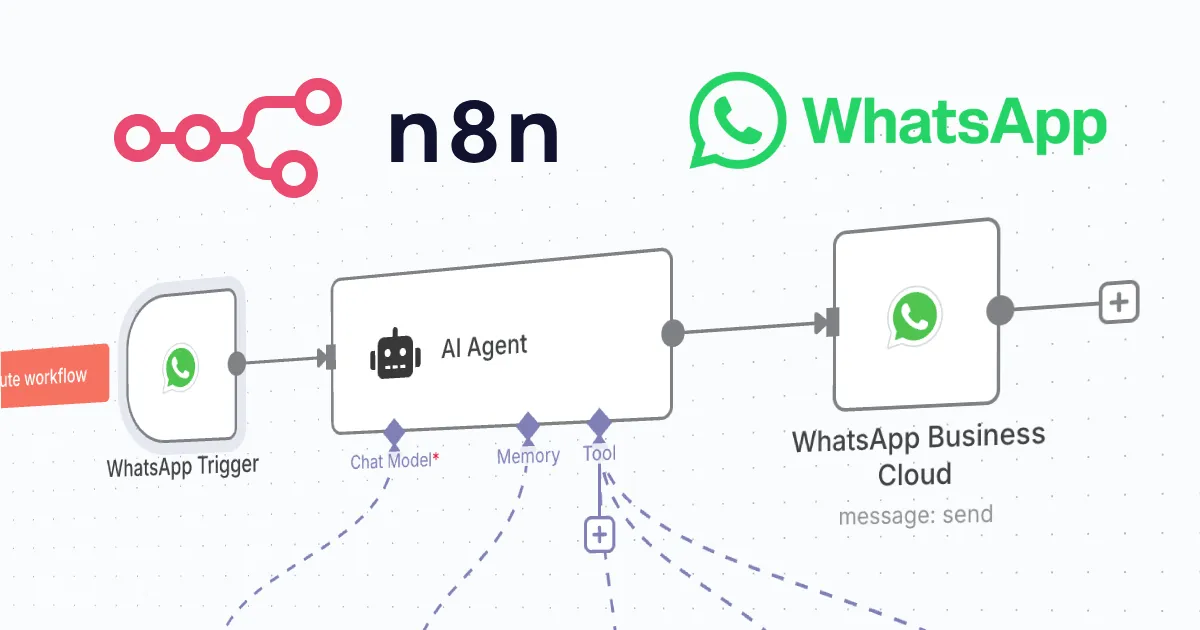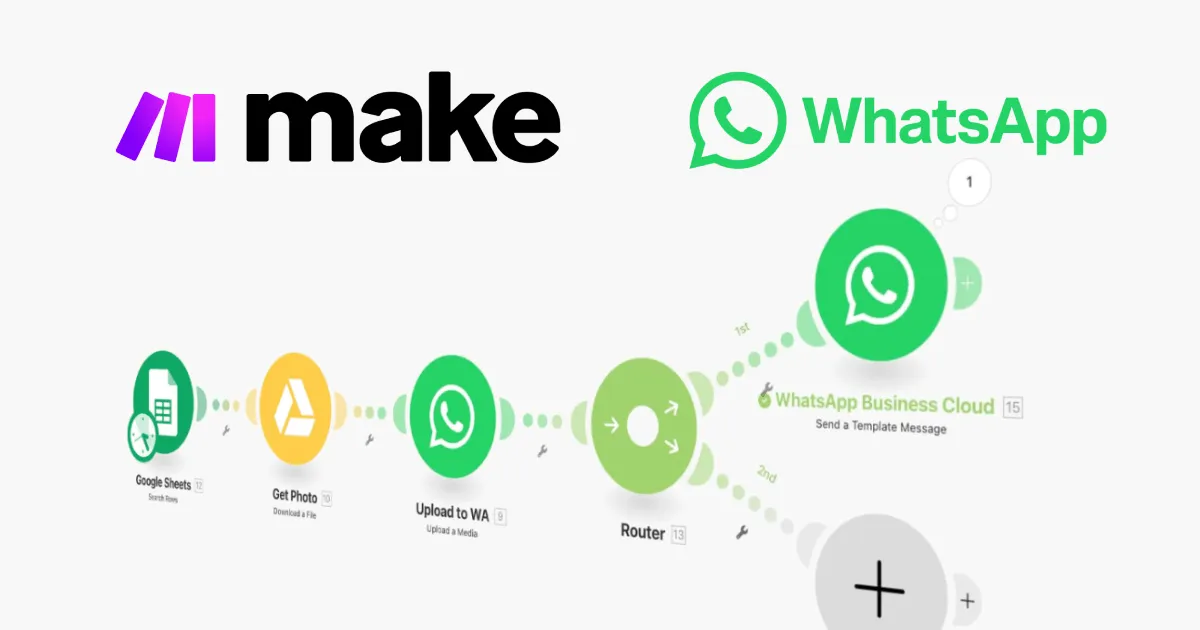
Make (formerly Integromat) is a visual automation platform: you build “scenarios” by connecting modules on a canvas and watch data flow between them. Its official WhatsApp Business Cloud app connects WhatsApp (through Meta’s official Cloud API) to hundreds of other services, with more visual power than the simplest no-code tools and usually a lower price than Zapier. If your organisation qualifies for the official API, this is a compliant, ban-safe path. Prefer to self-host? See automating WhatsApp with n8n. Want the widest app catalogue instead? See automating WhatsApp with Zapier.
How Make connects to WhatsApp
In Make, an automation is a scenario, a chain of modules you lay out visually. The official WhatsApp Business Cloud app provides the WhatsApp modules you’ll use:
- Send a Template Message, starts a conversation with a pre-approved template.
- Send a Message, replies with free-form text or media inside an open session.
- Watch Events (a webhook trigger), starts the scenario when a message or status update arrives from Meta.
What you need first
As with any official-API tool, there’s setup: a Meta Business account, a WhatsApp Business Cloud app in the Meta for Developers dashboard, a phone number for the API, and access credentials. Eligibility matters here, Meta restricts some uses, and political/electoral messaging in particular is frequently not permitted (see How can a Political Party use WhatsApp Business API?). The scenario itself runs in Make’s cloud, so there’s nothing to host.
Step 1: Connect WhatsApp to Make
Add a WhatsApp Business Cloud module to a new scenario and create a connection with your Meta credentials (access token and phone number ID). Make saves the connection for reuse across scenarios.
Step 2: Send a template message
The official API only lets you start a conversation with a pre-approved template. Begin the scenario with a trigger module (a schedule, a webhook, or a new record in another app) then add Send a Template Message and map the template’s variables (a name, a date, an order number) from earlier modules. That’s how you automate reminders, confirmations and opt-in updates compliantly.
Step 3: Reply within the 24-hour window
When someone messages you, a 24-hour customer service window opens for free-form replies. Use Watch Events to catch the inbound message, then a Send a Message module to respond with plain text or media, no template needed while the window is open.
Step 4: Build a simple chatbot
- Start the scenario with the Watch Events trigger for incoming messages.
- Add a Router to branch on the message text, or an AI module (Make integrates with OpenAI and others) to understand intent.
- Look up any data you need from another module, a data store, a spreadsheet, a CRM.
- Reply with Send a Message, and route anything the bot can’t handle to a person.
Make, n8n or Zapier?
Choose Make when you want a visual, branching canvas with data tools, more power than the simplest builders, usually cheaper than Zapier, and still fully hosted. Choose n8n if you’d rather self-host and keep data in-house, or Zapier if the sheer number of app integrations matters most. All three use the same official Cloud API; they differ in hosting, pricing and how you build. For a managed official-API service with a team inbox, see Wati.
Frequently asked questions
Does Make have a WhatsApp integration?
Yes. Make has an official WhatsApp Business Cloud app with modules to send template and free-form messages and a Watch Events trigger for incoming messages, all using Meta’s official Cloud API.
Is Make the same as Integromat?
Yes. Make is the current name of the platform previously called Integromat; the visual scenario builder is the same product, rebranded.
Is Make cheaper than Zapier?
Make’s pricing is based on “operations” (module runs) and its free and paid tiers are often more generous than Zapier’s task-based plans, so it can be cheaper at similar volumes. Compare current pricing for your own workload. Meta’s per-conversation WhatsApp charges apply separately.
Can I self-host Make?
No, Make is cloud-only. If you need automation on your own server to keep data in-house, use n8n instead.