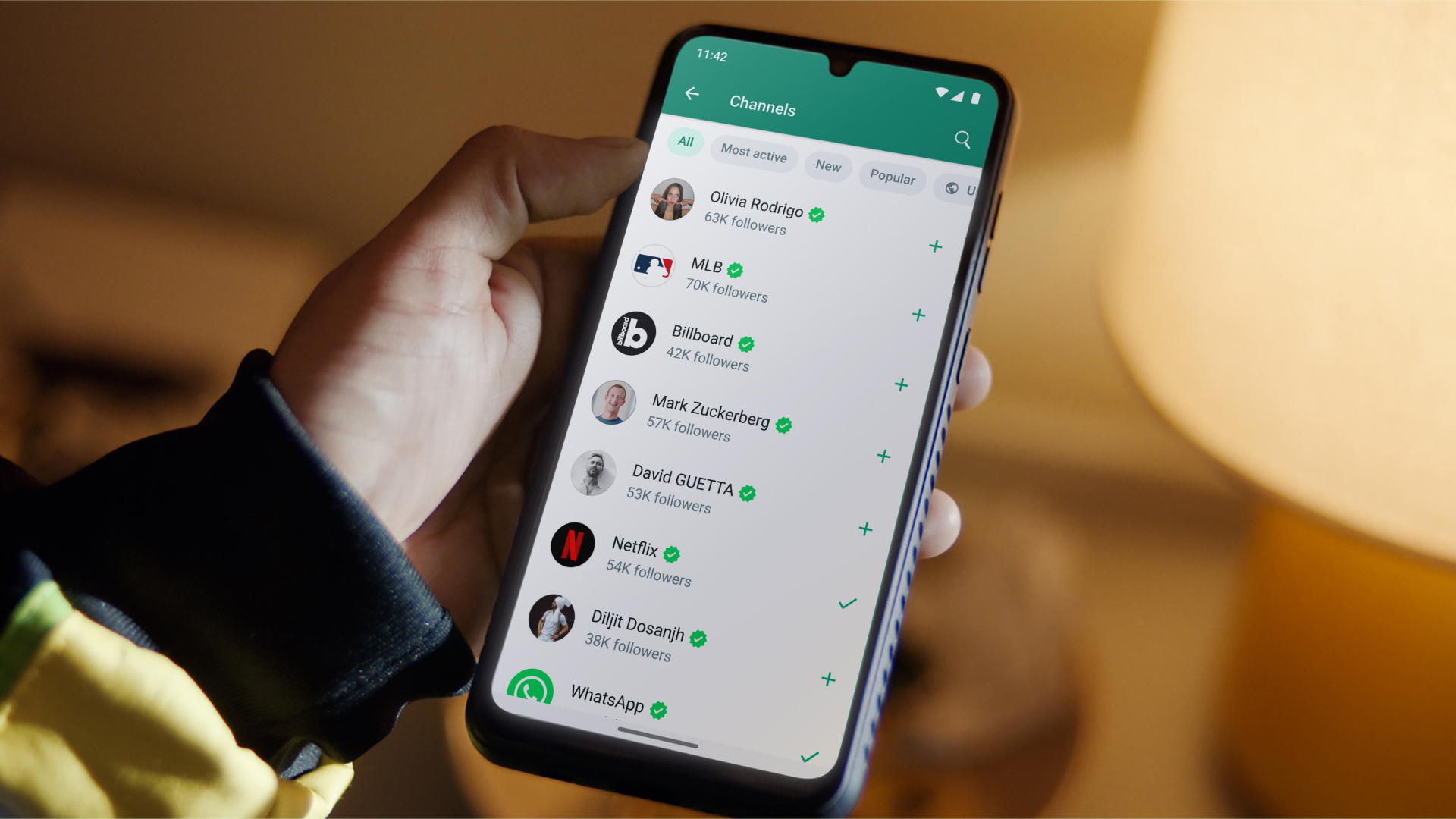
If you run a WhatsApp Channel for a party, an NGO or a neighbourhood group, you already know where your posts end up: in the Updates tab, under everybody's Status, muted by default. That may be about to change. WABetaInfo reported today that WhatsApp is working on moving channels into the Chats tab, the one people open dozens of times a day. It found the work in WhatsApp beta for Android 2.26.39.1.
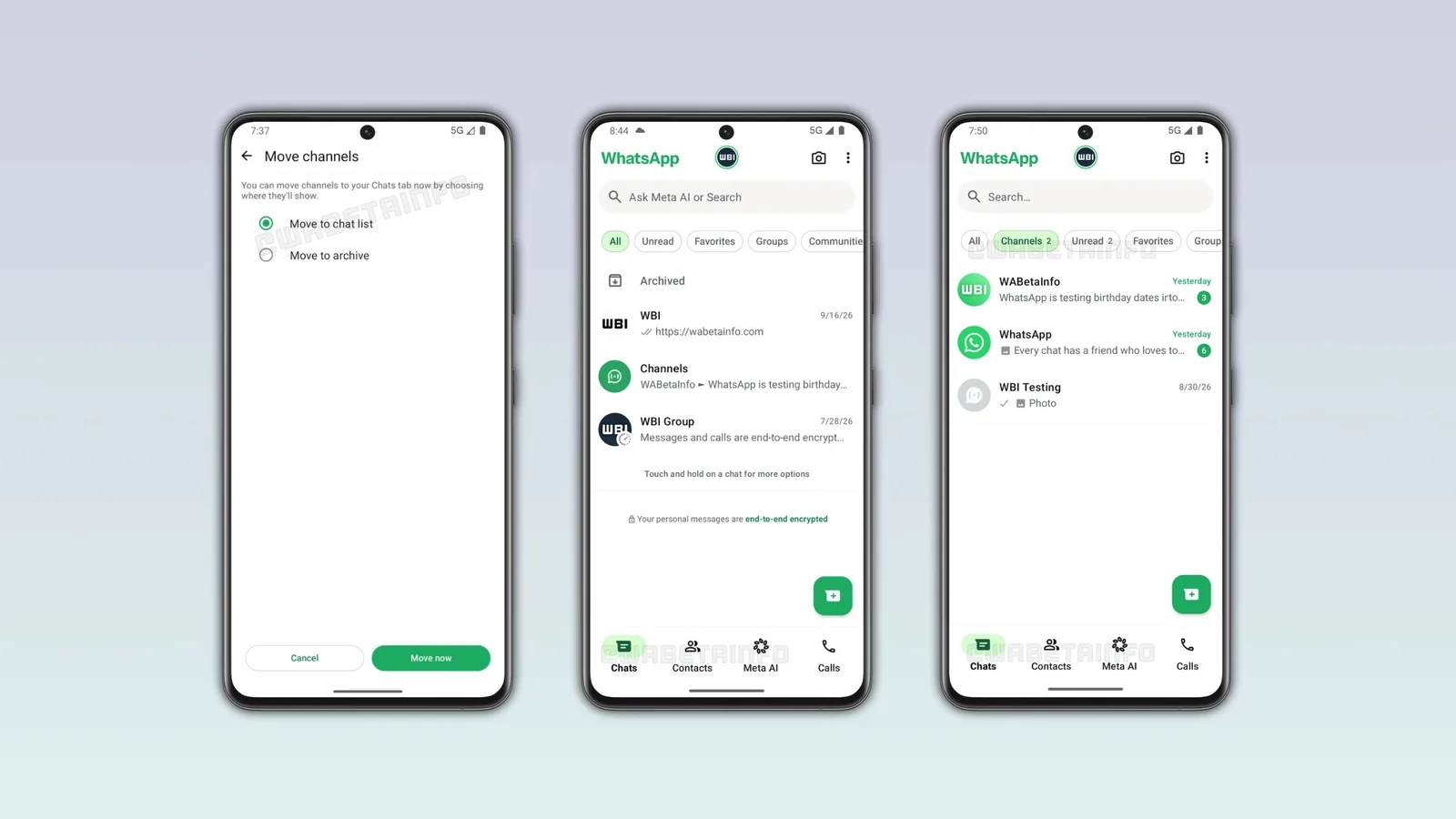
The feature is still in development. Beta testers can't try it yet, and WhatsApp hasn't said when it will ship. But the screens are specific enough that it's worth thinking now about what it means for anyone who uses channels to reach people.
What WABetaInfo found
People who already follow channels will get a prompt asking where they want them. There are two choices. Move to chat list puts channels where your conversations are. Move to archive sends them to the Archived folder, and you can pull them back into Chats whenever you like. So the user decides, at least during the switch.
For people who pick the chat list, WhatsApp is testing three ways of showing channels:
- Channels sit in the main list next to your chats, and appear in the All view. A new "Channels" filter at the top lets you see only them.
- Channels stay out of All and only show up when you tap the "Channels" filter.
- A single Channels folder appears inside the chat list, like the Archived row, and your channels live inside it.
WABetaInfo says it isn't clear which one WhatsApp will ship, and that WhatsApp may try different versions with different groups of users before picking one.
The other half of the story is the Updates tab. Some users already see Status at the top of the Chats tab. Once channels move too, there's nothing left in Updates, so WhatsApp plans to drop the tab and put a Contacts tab in its place, showing who's online. You can see it in the bottom bar of the screenshots: Chats, Contacts, Meta AI, Calls.
Why this matters if you post on a channel
Channels have one big weakness, and we've written about it more than once: posts land in a tab people don't open much, and notifications are off unless each follower turns them on. A channel can have 50,000 followers and still reach a small slice of them with any given post. For a campaign, that's the difference between "we told everyone about the rally" and "we posted about the rally".
The three test versions would change that by very different amounts.
The first one would matter most. If your channel post sits in the All list between a follower's family group and their work chat, it gets seen far more often than it does today. Every organization that's been fighting the Updates tab would feel that.
The second changes very little. A filter chip you have to tap is the Updates tab with a different door. People who already check channels will keep doing it, and people who don't won't.
The folder version lands somewhere in between. A folder in the chat list is more visible than a separate tab, but it's still one tap away, and a folder full of channels competes with itself. Your post is one unread badge among many.
And the migration prompt itself carries a risk. Anyone who taps Move to archive will see your channel less than they do now. Archived chats are where people put things they want out of sight. We don't know how many people will choose that, but if the prompt is worded as "keep your chat list clean", plenty will.
What the report doesn't mention is notifications. Channels are muted by default today, and nothing in the beta says that changes. A post in the Chats tab with no ping is better placed, but still silent. We'll update this post if that part changes.
Where the empty community trick fits now
Our workaround for the Updates-tab problem has been the empty community hack: create a WhatsApp Community, add no groups to it, and use its announcement group as a one-way feed. Announcements already land in the Chats tab, notifications are on by default, messages are end-to-end encrypted, and members can't see each other's phone numbers.
Does this beta make that trick pointless? Not yet, and maybe not at all.
- If WhatsApp ships version 2 or 3, the community still wins on visibility by a wide margin.
- Even with version 1, a community announcement pings phones by default and a channel post, as far as we know, doesn't.
- The limits haven't moved either: a community announcement group tops out at 5,000 members, has no in-app directory and doesn't show history to newcomers. A channel has no practical ceiling and can be found in search.
Our advice hasn't changed: run both. Use a channel to collect followers publicly and at scale, and a community for the people who really need to see every message, like volunteers, members and local organizers. If channels end up in the All list, you get a better channel for free. If they end up in a folder, you haven't lost anything. Our guide to WhatsApp Channels for political and social organizations covers how to set one up and grow it.
What we'll be watching in the party dataset
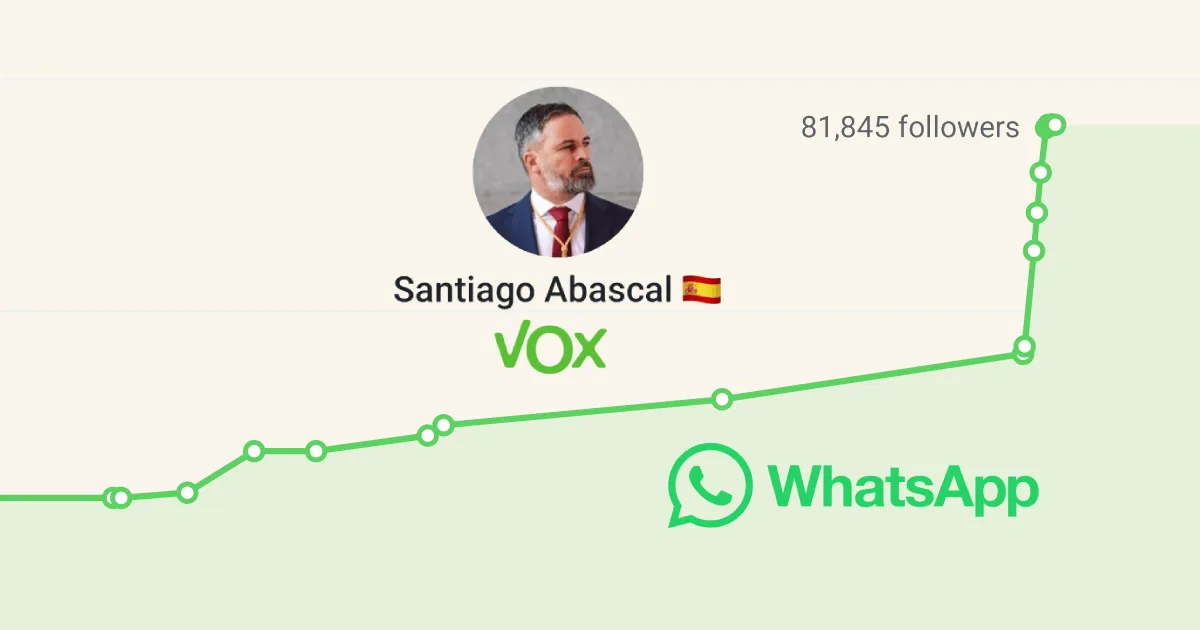
We keep an open dataset of political parties on WhatsApp: more than 440 parties across Europe and Brazil, with public follower counts read on a schedule. Only 86 of those parties have a channel we could find. In our latest readings (22 to 27 September), the three biggest were Santiago Abascal's, which works as VOX's main channel, at 80,086 followers, Giuseppe Conte's for Italy's Movimento 5 Stelle at 77,259, and Germany's Die Linke at 71,887.
Part of why those numbers stay modest is probably the Updates tab. It's hard to grow an audience for something people rarely look at. If channels move into Chats, we'd expect it to show up in the data as faster growth across many parties at once, not as a spike for one of them. That second pattern is what we look for when a single channel jumps, as we did with VOX's surge in September.
The counts don't tell us how many people actually read a post, only how many follow. Still, a change to where channels live is the kind of thing that should move follower curves, and we read them often enough to see it. If you want to follow along, the rankings are here by country, region and city, and the full data is free to reuse.
What to do now
Nothing breaks today. The feature isn't in anyone's hands yet, and WhatsApp may change or drop it. A few things are worth doing anyway:
- Ask your followers to turn on channel notifications. It helps now, and it'll help in any of the three versions.
- If you don't have a community yet, set one up for your core people. The step-by-step guide walks through it.
- Keep your channel link and your community invite link side by side on your website and in your bio. If you'd rather point people to a direct chat, the WhatsApp link generator makes the wa.me link and the QR generator turns it into something you can print.
We'll write a follow-up when the feature reaches beta testers and we can see which version they get.